Sonarworks SoundID Reference vs Room EQ Wizard: Which One Actually Fixes Your Room?
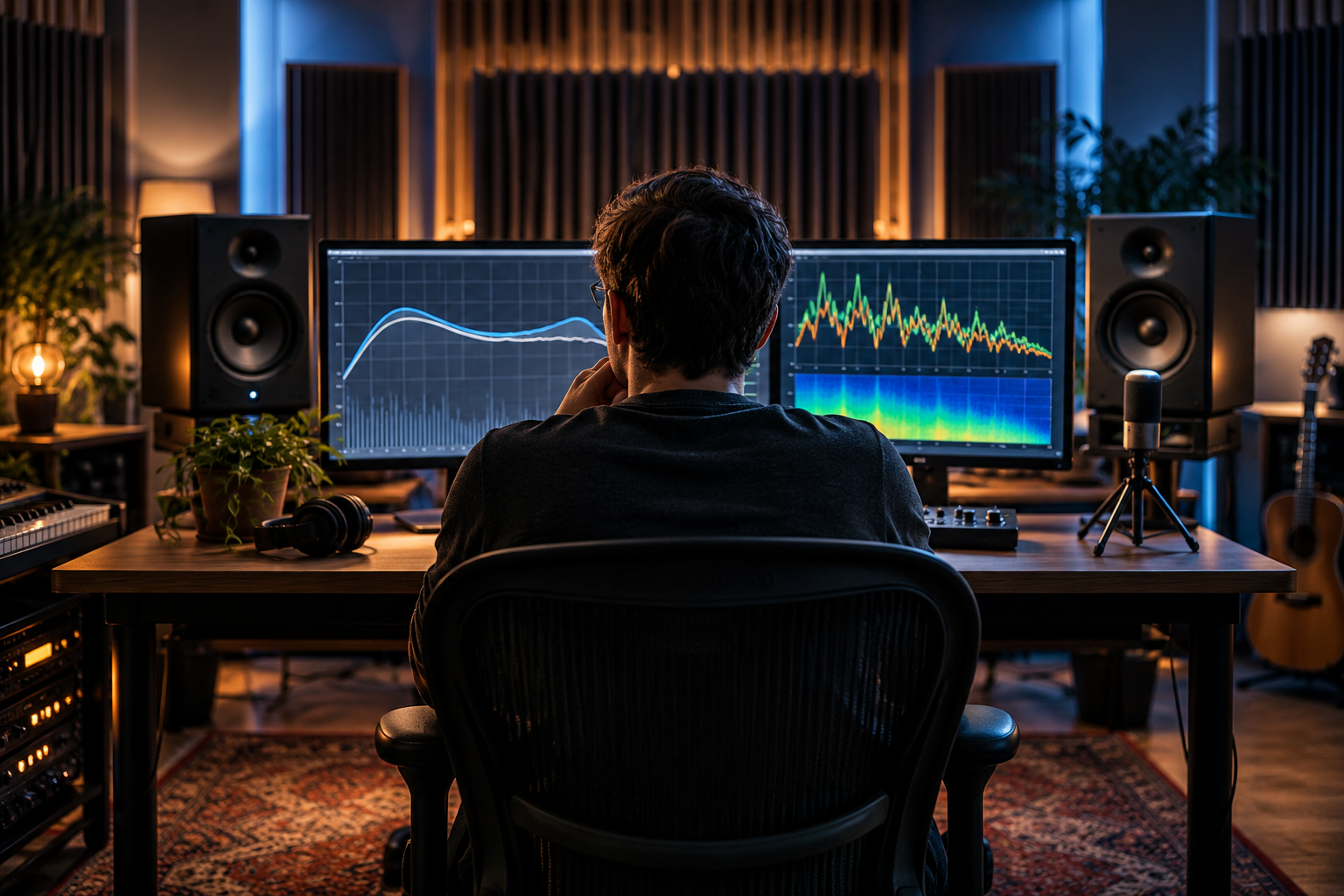
Sonarworks SoundID Reference and Room EQ Wizard get compared constantly, and the comparison is usually framed wrong. People ask which one “fixes” the room. Neither does. One is a measurement instrument. The other is a correction system that happens to include a measurement step. If you mix in a small untreated room and you are trying to decide where to spend your money and your time, the honest answer is that these tools solve different problems, and for most project studios you will eventually want both. But you can only buy one today, so here is the real breakdown.
What REW actually is
Room EQ Wizard is a free room measurement tool. That description undersells it, because it does more than plot a frequency response. REW gives you SPL, phase, distortion, RT60, clarity, decay, waterfall and spectrogram views. It has IR windowing, a built-in SPL meter, a room simulator for subwoofer placement, and peaking-filter EQ generation for multiple platforms, DSPs and AVRs, with a target curve editor.
That list is the whole argument. REW is a diagnostic instrument first and a correction generator second. When I want to know why the low end feels disconnected at the mix position, REW is what I open. The waterfall and decay views tell you what the frequency response curve hides. A peak at 55 Hz looks like one number on an SPL plot; the waterfall shows you whether it is ringing for 400 ms or 40 ms, and that difference changes what you do about it.
The EQ export side is genuinely useful, not a toy. You can generate peaking-filter corrections and push them to hardware or a plugin host, and the target curve editor lets you build the response you actually want rather than a flat line. Flat is rarely the goal in a small room, and REW understands that better than most paid tools.
What REW does not do is sit in your monitoring chain. You measure, you export, you load the filters somewhere else. It is not a real-time correction engine, and it was never meant to be.
What SoundID Reference actually is
SoundID Reference is a commercial room correction system. You measure with the supplied microphone at a set of positions, the software computes a correction filter, and that filter runs on your monitoring bus in real time so everything you play back, from your DAW to Spotify to a reference track, gets the same corrected response.
That last part is the one people underrate. A correction that only lives inside your DAW session leaves you mixing blind the moment you open a reference track in a media player. SoundID Reference corrects the whole output, so your references and your mix are heard through the same lens. For anyone who checks their work against commercial tracks all day, that consistency matters more than the curve itself.
The trade-off is baked into how correction systems work. These tools favor a robust approach: they compute an inverse filter designed to work over a usably large listening volume and to avoid bad-sounding artifacts outside that volume, at the expense of peak accuracy at the single measurement location. That is the documented philosophy behind room correction filter calculation generally. In practice it means SoundID Reference will smooth your room into something workable across a reasonable head position, and it will not give you a surgically perfect response at one exact point.
The honest verdict on which fixes what
REW does not fix anything. It tells you the truth. SoundID Reference fixes some things and politely ignores others, which is a feature if you understand the limits.
Here is where the confusion starts. A correction system can flatten a broad low-mid hump and pull down obvious resonances. It cannot absorb energy. If your room has a 120 ms decay tail at 80 Hz because there is no bass trapping, no correction filter removes that decay. It can only change the level of what reaches your ears. The ring is still there, just quieter at the mix position and louder somewhere else. If you want to understand what treatment versus EQ each actually address below 200 Hz, that is a separate conversation, but the principle holds: correction is a level-domain fix and room modes are a time-domain problem.
This is why REW earns its place even if you own SoundID Reference. You need the waterfall and decay data to know which problems are correctable and which ones need a trap in the corner. Buy SoundID Reference without ever looking at a decay plot and you will spend a year chasing a low-end problem that no amount of EQ will touch.
Signal chain, latency and workflow friction
SoundID Reference lives in your monitor path, which means you deal with the practical annoyances of that: routing, latency, and making sure it is not affecting your exports. It is a monitoring tool, not a mix tool, and the discipline of bypassing it before bounce is on you. That catches people out, and it should not, but it does.
REW is offline in the sense that measurement is a separate activity from mixing. You stop, measure, analyze, adjust, and go back to work. That separation is healthy. Measuring while you mix invites you to chase numbers instead of listening, and the numbers will always win because they are sitting right there.
A concrete setup both tools fit into
If you have the budget for one and not both, my order is: get REW first, learn what your room is doing, treat the worst of it with physical absorption, and only then consider a correction system for the residual.
For a room that is already treated and sounds reasonable but has a stubborn low-mid bump you cannot trap your way out of, SoundID Reference earns its price. The real-time, system-wide correction is the deliverable, and it does that job without fuss. Use REW to generate a comparison measurement afterward so you can see what the correction actually did rather than trusting the before/after marketing screenshot.
For a room you have never measured, a correction system is premature. You are guessing at a problem you have not diagnosed, and the software will happily apply a curve to a room that has issues it cannot fix, which can sound worse than no correction at all.
The thing that actually matters
Both tools assume you have a trustworthy microphone and a sane measurement method. Crap mic placement or a sloppy sweep and neither piece of software will save you. The correction is only as good as the data going in, and the data is only as good as your measurement discipline.
I would also push back on the idea that the goal is a flat line. It is not. The goal is a room where your decisions translate, and both REW and SoundID Reference are just instruments pointed at that target. REW shows you the room. SoundID Reference shapes what you hear in it. If you are serious about mixing in a small room, you will end up using both, in that order, and you will be better off for having seen the decay plot before you touched a single correction filter.