Free Plugin Alert: TDR Kotelnikov Just Got a Compressor Update, Here Is What Changed
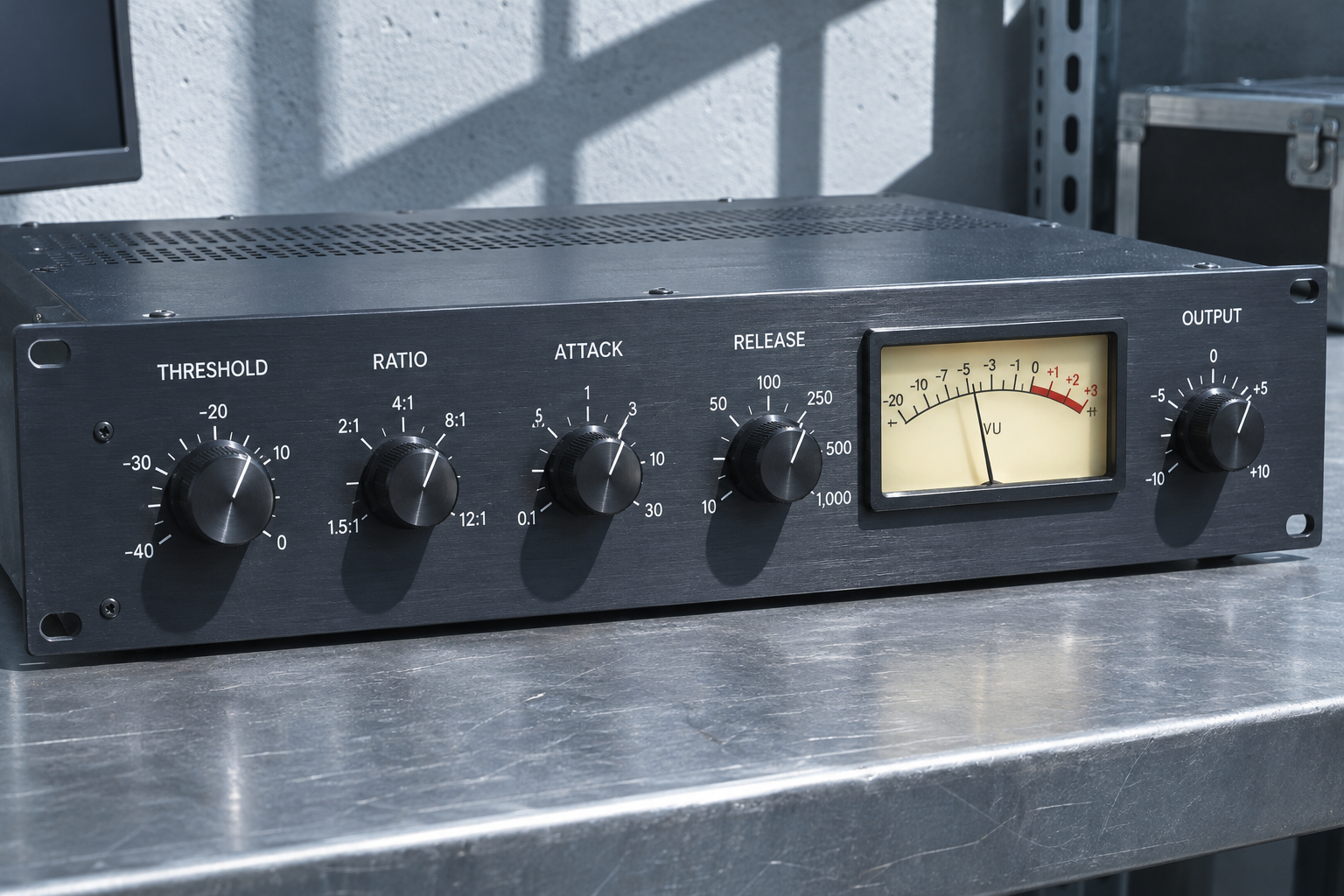
Nine out of ten “compressor update” posts are changelog reposts with a screenshot. That isn’t useful. What matters with a plugin like TDR Kotelnikov is not that a version number moved, but whether the thing still behaves the way it did in your sessions and whether the new behaviour earns a place in your monitoring chain. Tokyo Dawn Labs builds Kotelnikov around a parallel, “feedforward plus feedback” topology that a lot of free compressors simply don’t attempt, and it remains one of the few free dynamics plugins you can reasonably use both on a drum bus and across a mastering chain without pulling the whole mix toward the middle.
Full disclosure, because it matters for a free-plugin piece: my direct experience is with the earlier Kotelnikov builds, not with a documented feature list for the specific update in your title. So instead of inventing release notes, I want to explain what makes Kotelnikov worth your time, what any sensible update to it should deliver, and how to test the new build in ten minutes on your own system. Treat it as a checklist.
What Kotelnikov actually is
It is a broadband compressor, not a character box. No tube emulation, no saturation switch, no “tape” button hiding in a corner. Two detectors feed the same gain-reduction stage, you dial in how much of each you want, and the result is a compressor that behaves closer to a device with memory than to a dumb peak catcher. Kotelnikov’s distinguishing trait is that the feedback path makes gain reduction steadily increase over a sustained sound, while the sidechain path keeps transients from slipping past. In practice that means an attack that stays honest on drums without the release pumping all over your vocal.
That design is why it sits in an unusual spot. Cheap free compressors live at one extreme: either transparent but dull, or colorful and untameable. Kotelnikov aims at the boring-but-vital middle, which is exactly where you want a bus compressor and a mild mix-bus tamer.
The controls that do the work
You get the usual threshold, ratio, attack and release, plus threshold-linked output, a sidechain high-pass, and a stereo link control. The two dials that make this plugin what it is:
- Crest factor, which blends the two detectors. Turn it one way and you get a peak-sensitive response that holds transient detail; turn it the transparent compressor that smooths sustained material more than hits.
- Sidechain HPF, so the low end doesn’t trigger the whole envelope. Kick-heavy material especially benefits from a filter somewhere around 80 to 150 Hz before the detector sees it.
Leave the ratio polite, at 2:1 or 3:1, and it will hardly appear in a null test against the bypass but will clean up a crowded drum bus in a way that’s hard to do with a heavier compressor without also flattening the mix. Run it harder at 4:1 with the crest factor pulled toward feedback and it starts to glue and add a little motion, never crunchy. It is not a saturation plug, though. If you want harmonics, you still need something that adds them.
What a sensible update should change
Here is the part to be careful with. I won’t pretend to know exactly what the Kotelnikov update you saw in the wildship changed, because I haven’t seen the official notes and I’m not going to guess at features. What I can tell you is what any worthwhile update to a free, load-bearing compressor needs to deliver, so you can judge the new build for yourself.
1. Same or better CPU behaviour
A mastering-grade compressor that chokes your session on every track is useless, and free plugins often cost you in processing. Load an instance on twenty tracks of a full mix and watch your meter. The earlier Kotelnikov was already efficient; if the new build uses noticeably more juice across many instances, compare it against your old file before committing to it in a template. If you’re on an older interface with high buffer sizes this shows up fast.
2. Clearer sidechain and metering
Compressors for mixing and mastering live or die by whether you can see what they’re doing. Gain-reduction metering on a dumb meter gives you no idea whether the low kick or the mid snare is triggering compression. If an update added anything, it should be metering that tells you that. List the compressor categories you can find on Bedroom Producers Blog and you’ll notice almost all of them skimp on this.
I put the full notes on plugins worth downloading.
3. Documented behaviour changes
Any version that alters the detector or the output gain stage will change your existing saved settings. A genuinely good free plugin update either keeps old behaviour accessible or warns you that presets will sound different. If you notice sessions that suddenly compress harder, check whether the plugin defaulted to a new mode before you blame your mix.
The ten-minute test
Don’t trust a review; do this yourself.
- Load a drum loop and set ratio 3:1, threshold so gain reduction peaks around 4 dB, crest factor halfway, sidechain HPF at 100 Hz.
- Bypass and A/B with matching loudness. A level up or down is not the same thing as better. Use your output knob to compensate.
- Solo a kick and a bass note; sweep the sidechain HPF and confirm the kick stops triggering on the mids.
- Push ratio to 8:1 and attack very fast; if the sound collapses or distorts, you’ve found the limit. If it holds its shape, the build is behaving.
- Run ten instances across a mix and measure CPU against your previous file.
If it survives that, the update is doing its job. If it doesn’t, keep the version you know and your mix stays intact.
Where Kotelnikov does and doesn’t fit
Best uses: glueing drum busses, taming a mix bus on the way to a limiter, and adding weight to vocals with a light 2:1 touch. Good for anything where you want invisible dynamics control and honest transient preservation.
Worst uses: heavy parallel “smash” modes and anything that needs harmonic color. It won’t give you the saturated punch of a FET-style emulation, and it isn’t meant to. If your goal is grit, reach for the character-driven freebies covering the compressor category and leave Kotelnikov for the jobs where transparency actually matters.
One crossover worth mentioning: because Kotelnikov’s low end is so controllable, it pairs well with a monitoring chain where you’re listening on speakers you’ve actually measured. Compression decisions get much easier when your room isn’t lying about 100 Hz, and anything that lets you hear the low-end pumping honestly is doing half your compression work for you.
The short version
The best thing you can say about a free compressor update is that it either makes the old one unnecessary or it proves the old one was already good. Kotelnikov has always been the second kind of plugin: quiet, flexible, no marketing, and it turns up on plenty of finished records. Whether this update changes that is something only your ears, your CPU meter, and a matched-loudness A/B can answer. Get the new build, keep the previous one side by side, and decide before you build a new template around it. That’s faster than any changelog.