FabFilter Just Pushed a Big Update: What Changed and Who Should Care
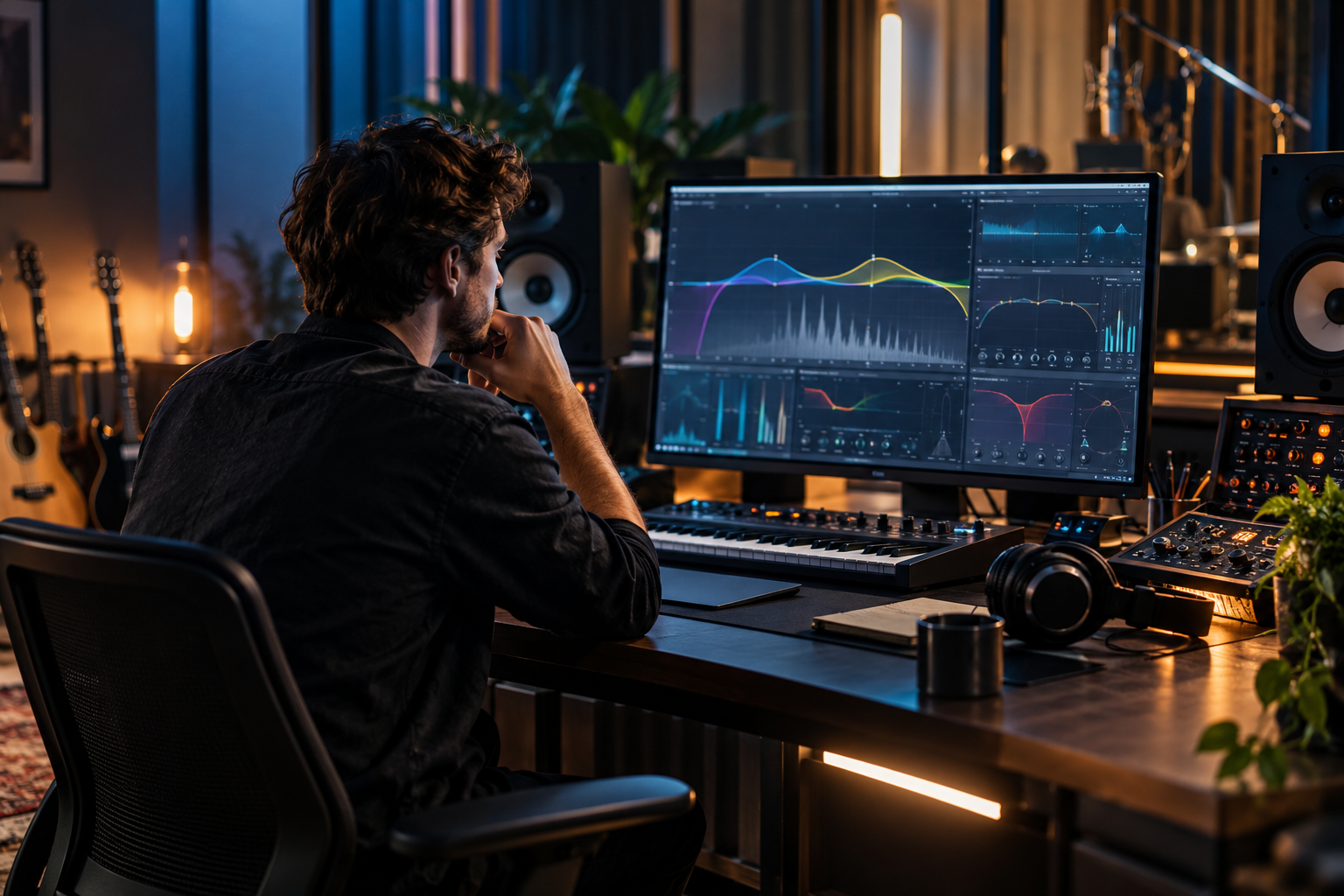
FabFilter updates tend to land quietly and then show up in every session a month later. If you mix in a small room and lean on Pro-Q for corrective work, a FabFilter update is rarely cosmetic for you. Here is what actually matters when one of these drops, and how to decide whether you should install it on a working machine or wait.
Start with what a FabFilter update usually changes
FabFilter’s core plugins (Pro-Q, Pro-C, Pro-L, Pro-R, Saturn) get incremental revisions, not reinventions. A big update for this company typically means interface improvements, format support, and workflow refinements rather than a new DSP engine. That is worth knowing before you get excited.
Two things genuinely change how you work in a small studio: plugin format support and the precision of the interface. Modern FabFilter releases ship in VST, VST3, Audio Units, CLAP, AAX Native, and AudioSuite formats for Mac and Windows, as noted in coverage of Pro-C 2 [1][4]. If your DAW has moved to CLAP or you are running an Apple Silicon host, format support is the headline feature, and it matters more than any new preset.
Who should care, and who can skip it
If you are mixing in a treated but imperfect room and using FabFilter Pro-Q 3 as the first insert in your correction chain, an update that improves the interface or format support is a low-risk install. You get better ergonomics for the same EQ you already trust.
If your sessions are stable, your room is calibrated, and you are mid-project, wait. A revision that resets presets or touches plugin scanning can break a template the week before a deadline. Back up the plugin folder first.
The people who should care most: anyone on a new OS, anyone moving to CLAP, and anyone whose DAW version dropped support for an older format. For everyone else, this is a maintenance update, not a reason to redo your chain.
Why the monitoring chain is the part that actually moves the needle
Here is the honest take. A FabFilter update does not fix a 63 Hz dip that shifts when you lean forward. It does not replace bass traps below 200 Hz. Those are room problems, and no plugin revision touches them.
What a FabFilter update can do is make your corrective EQ faster to dial in and less fatiguing to use across a long session. That is a real gain in a small room, where you are making dozens of tiny decisions about what to cut and where. Pro-Q 3 sits first in a mastering chain for subtractive equalization precisely because it is precise and predictable [2]. If a revision improves that predictability, install it. If it does not, the room still sounds the way it sounds.
What to check before you install
- Format availability. Confirm the plugin you rely on still ships in your DAW’s preferred format. Pro-C 2, for example, supports VST, VST3, AU, CLAP, AAX Native and AudioSuite [1].
- Preset compatibility. Older sessions should open clean. Test one real project, not a scratch file.
- Plugin scanning. A fresh scan can reorder plugin folders. Note your template paths first.
- Any style or algorithm changes. Pro-C 2 has eight compressor styles, and they behave differently. If an update changes how a style responds, you want to know on a test session, not a client mix [1].
The compressor update angle, briefly
Pro-C 2 remains one of the cleanest compressors for vocals and mix bus work, with mid-side processing that helps tame an overly loud kick or vocal in mastering [1]. Its Audition Triggering, which isolates the parts of a signal that trigger the compressor, is genuinely useful for setting a threshold in a small room where you cannot always trust what you hear [1].
If a FabFilter update touches Pro-C 2, the thing to verify is whether the style algorithms and audition behaviour stayed consistent. In my experience Pro-C 2 can introduce a touch of harshness on acoustic material in some styles, and the Clean style with parallel compression solves it [1][3]. Any change to how Clean behaves is worth testing carefully.
Reverb and the rest of the suite
Pro-R sits at the precision end of reverb plugins, priced around the $199 mark, and it is built for mix integration rather than vintage character [5]. An update to Pro-R is unlikely to change its role in your chain. It is a frequency-controlled, surgical reverb, and that does not need reinventing. If your interest is vintage plates or halls, you are looking at Valhalla or Soundtoys, not FabFilter [5].
Saturn 2 and Pro-L 2 similarly sit in a stable slot in a mastering chain: Saturn for saturation and harmonic distortion, Pro-L 2 for limiting and output level [2]. A point update should leave both doing what they already do.
My verdict
Treat a FabFilter update as housekeeping with occasional upside. Install it on a test machine, open a real session, check your format and preset paths, and only then roll it onto the working rig. If the update delivers CLAP support or a cleaner interface, that is genuinely useful for a small-room workflow. If it does not, your room’s 63 Hz problem is still your room’s problem, and no plugin revision will lean forward with you.
The plugins are solid. Update deliberately. Then get back to measuring your room.